Masterful solution management and deployment go a long way towards integration success. After all, these elements are foundational for any system, and once you’ve conquered them, you’ll unlock a streamlined workflow, fast implementation speeds, and major boosts in operational efficiency.
This blog is the fourth and final installment of our Ignition 8.3 Pro Tips series, which is designed to help you maximize 8.3’s new features. In this blog, Inductive Automation Sales Engineers share 8.3 feature insights, expert tips, and use-case ideas that help you ace project deployment and solution management.
Read on if you’re ready to boost your “Ignition 8.3 IQ” a few points!
Gateway Web UI Tips
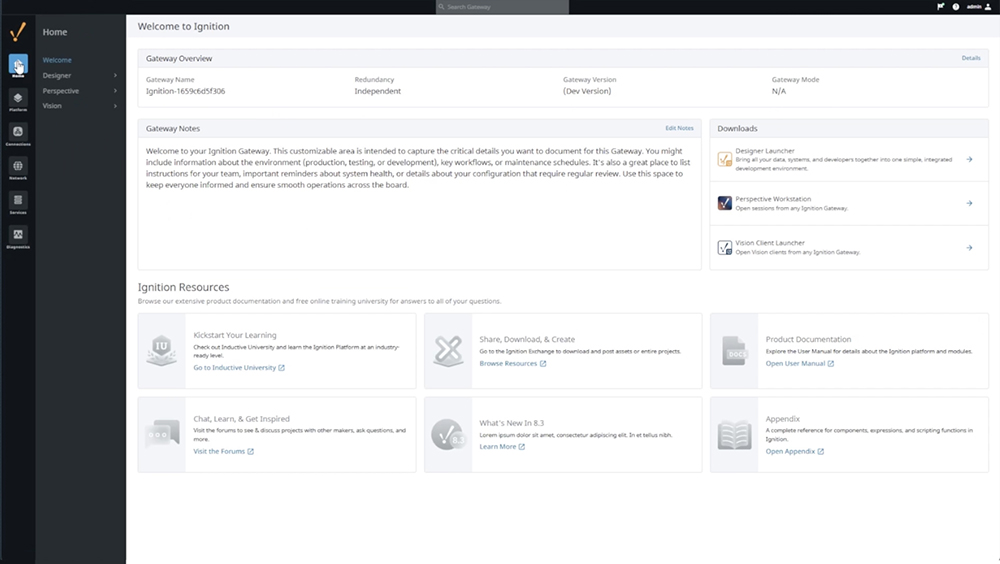
With Ignition 8.3’s new gateway web UI, it takes less time to complete common configuration and troubleshooting tasks, plus it’s easier to manage systems. Additionally, you have greater customization power — easily manage all your connections, and organize all your devices, profiles, and connectors with custom naming. And the gateway web UI is built to scale, so you can scale systems up with speed and grace.
Chase Dorsey, a Sales Engineer here at IA, highlights a celebrated change in the new gateway web UI: “Tired of having a multi-step navigation between the configuration and status pages for a given resource? With the new 8.3 gateway web UI, the status and config information are within the same resource section!”
IA Sales Engineer Maggie Rosenkrans explains exactly how this will make your life easier: “With the new gateway UI, you can more seamlessly do your configurations and check the status of those changes from one page.”
The 8.3 gateway also has improved support for large numbers of connections, along with global search capabilities. IA Sales Engineer Christine Lee shares a quick tip for when you’re having trouble finding something in a project: “Lost? Use the search bar to quickly find whatever you’re looking for!”
“The gateway search feature impresses initially, but the real power is the API,” IA Sales Engineer Reese Tyson emphasizes, “it completely transforms how you configure, deploy, and manage gateways.” And truly, this API packs a lot of power, providing capabilities that make your work life significantly easier.
“The new gateway configuration API not only provides external access to the gateway configuration, but is used by the brand-new web UI,” IA Sales Engineer Brad Fischer explains. “No matter how you’re managing your gateway’s configuration, new interfaces and options make it easier than ever.”
Gateway Deployment Modes Tip
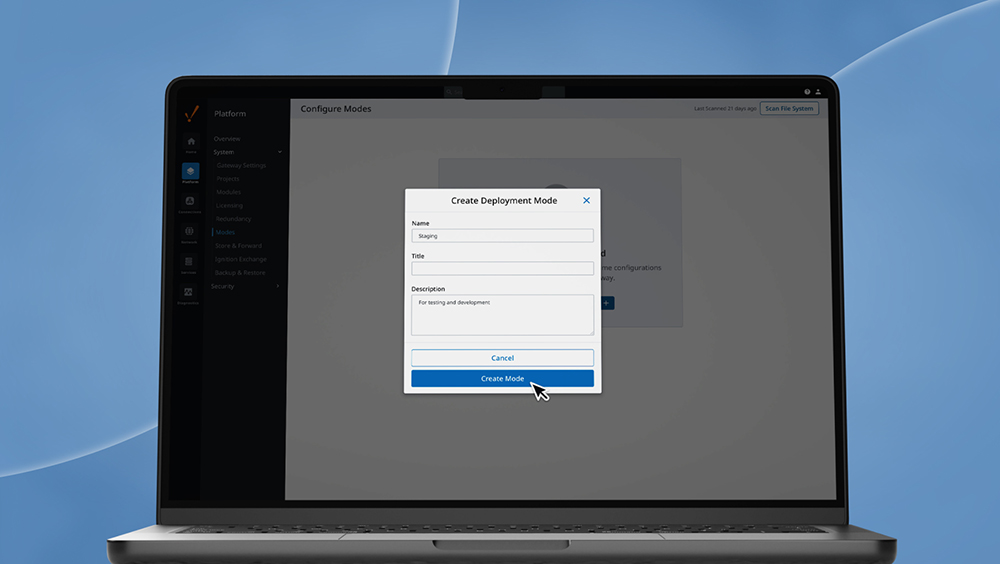
8.3’s new gateway Deployment Modes enable you to create and manage configurations for multiple environments (such as development, testing, staging, and production) within a single server. This massively helps to streamline your deployment workflow.
Fischer goes into detail on the opportunity this new functionality opens up, and how much simpler it makes things: “It’s never been easier to implement industrial DevOps. By leveraging Deployment Modes, the same database and PLC connection names can be mapped to different addresses, making it simple to apply the same gateway backup to your development, test, and production systems. No more complex procedures to remap production connections back to simulators or test databases: simply start the gateway in a different deployment and continue to dream it, do it!”
Overall, it’s now safer and easier than ever to test or make changes to your server. And the beautiful simplicity of gateway Deployment Modes gives you powerful flexibility when building a sophisticated deployment process.
File-Based System Tips
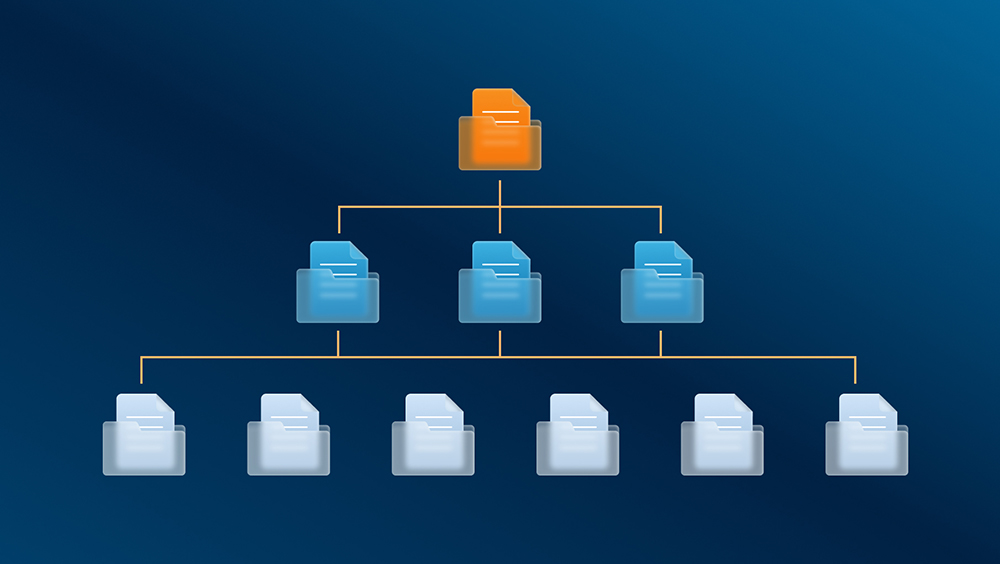
In Ignition 8.3, all configurations, tags, and most resources were moved into text-based files, enabling important new capabilities for version control in industrial systems. “Bringing industrial systems into the modern age, Ignition 8.3’s new text-based resources are purpose-built for easy integration with version control systems,” Dorsey says. Now, you can version, track, and manage changes with source control tools, enabling you to make more granular configuration changes outside the gateway UI.
Additionally, the shift to the new file-based structure is more stable and performant, along with being helpful for automated deployments — having configuration represented by simple text files that a human can read makes deploying and restoring Ignition to a known configuration state a whole lot easier.
Tyson takes a look at the bigger picture of what this new feature means for automation professionals: “Version-controlled applications are no longer for just software developers. With 8.3, everything on the gateway can be version-controlled, which unlocks a completely different approach to developing Ignition projects.”
The new file-based system also gives you more flexibility with configuring Ignition, Rosenkrans explains. “Previously, configuring things like tags outside of the designer required you to still ultimately use the designer to import your tag configuration,” she says. “Now, you can easily locate where your tag definitions live and configure them directly in the file system.”
You also get a significant advantage thanks to greater abilities to integrate with top tools. “File-based configuration now makes Ignition more capable than ever to integrate with common IT management and deployment tools like Ansible, Kubernetes, Azure DevOps, and more,” IA Sales Engineer Adam Koch says.
Git Compatibility Tips
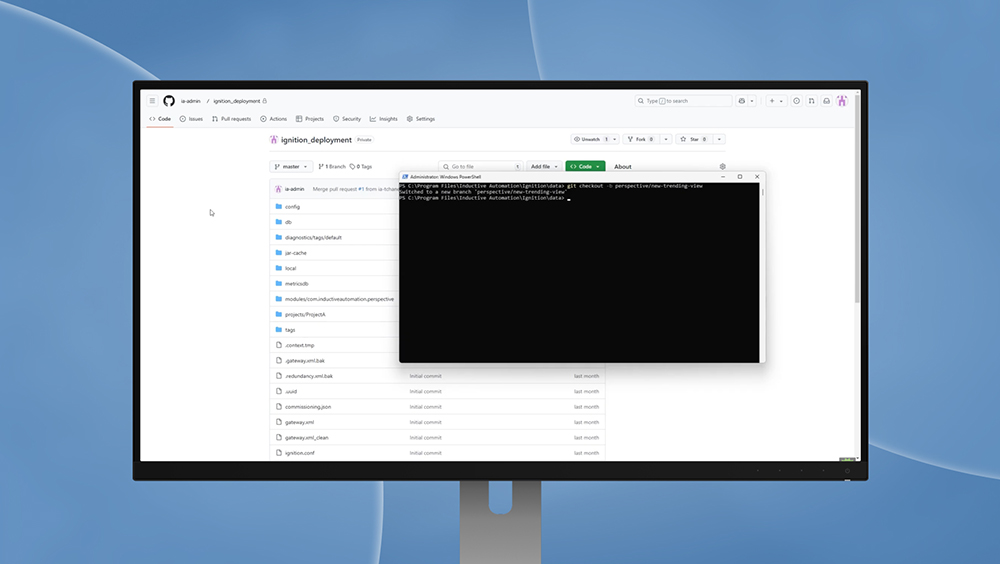
The new file-based system also makes it easier to use Ignition with Git — a free and open-source distributed version control system (DVCS) that tracks changes in source code during software development. And with complete version control you get a better way to collaborate and organize on big projects.
Koch shares more details on what’s possible with 8.3: “Now that all Ignition gateway configuration is in human-readable files in the file system, you can use all or any part of the Ignition gateway’s configuration and its projects as a local Git repository for version control.”
“Using Ignition with Git was possible before but is streamlined now,” Dorsey clarifies. “Because of the new resource file-based structure, using Git for change management just got a whole lot easier.”
Deep Link Launching Tips
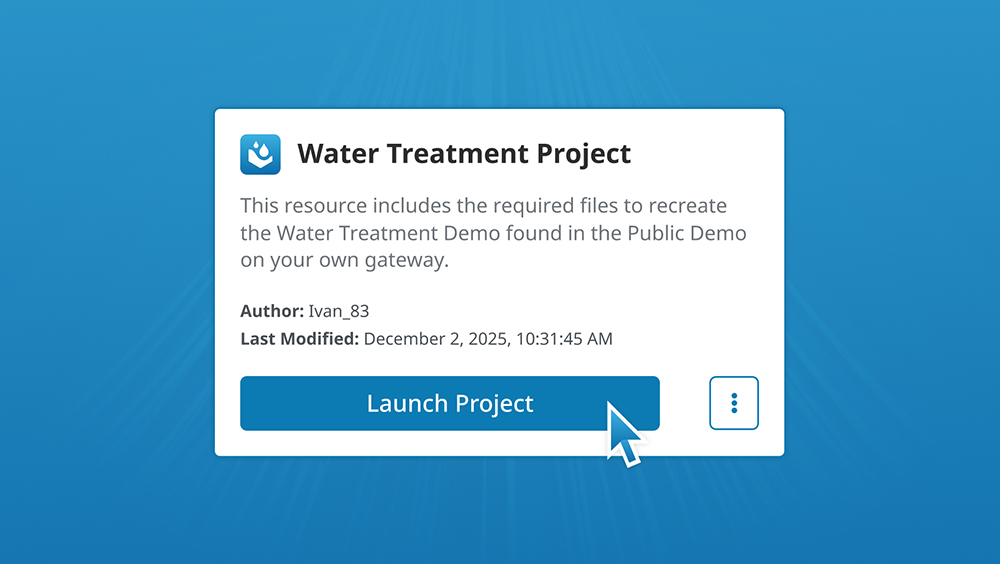
8.3’s new deep link launching feature saves you countless clicks, with the ability to launch designers, Vision clients, and Perspective sessions right from the homepage with a single tap of your finger. “You no longer need to download and configure the launchers to launch your applications — you can do it directly from the gateway with a simple click of a button,” Lee explains.
“Click-to-launch is back thanks to deep link launching,” Fischer says. “OG Ignition users will remember Java’s Web Start (deprecated back in Ignition 7.9) as an easy way to launch clients or designers. Simply by installing the client and/or designer launcher, users can once again click to launch sessions and even bookmark URLs.”
Rosenkrans goes into some additional detail on how things work now: “Launching Perspective sessions has always been a breeze with the Ignition home web page, but now, Vision follows suit. As long as you have a Vision client launcher already downloaded, no further configuration is needed to launch any gateway’s Vision client. With a simple click of a link, you will automatically be redirected to the Vision client launcher along with the application’s address.”
As a former integrator himself, Dorsey knows firsthand how impactful the new deep link launching feature is for your workflow: “When I was an integrator my designer launcher was a mess of gateways that I was working on. Now with deep link launching I can get right into the designer via a JSON file or even with a bookmark in my web browser.”
Put Your New Knowledge Into Action
Now that you know how to make the most of 8.3’s new deployment and management tools, you are equipped to build successful SCADA solutions that have both brawn and brains.
This concludes the Ignition 8.3 Pro Tips series! We sincerely hope you’ve found it helpful. If you missed the other blogs in the series, you can find them here:
- “Ignition 8.3 Pro Tips: Achieve Better Industrial Data Management”
- “Ignition 8.3 Pro Tips: Supercharge System Security”
- “Ignition 8.3 Pro Tips: Blazing-Fast, Beautiful & Bespoke Data Visualization”
Ready to put all you’ve learned in this series into action? Download a free trial of Ignition 8.3’s automation software today to set yourself up for success tomorrow.